
Introduction
It’s not a library. It’s a playbook.
Build production-grade data tables for large datasets — with proven patterns you can copy into your codebase.
This is a work in progress — our goal is to make it the fastest way to spin up a data-table view for logs and beyond. Questions, ideas, or feedback? Open an issue on GitHub.
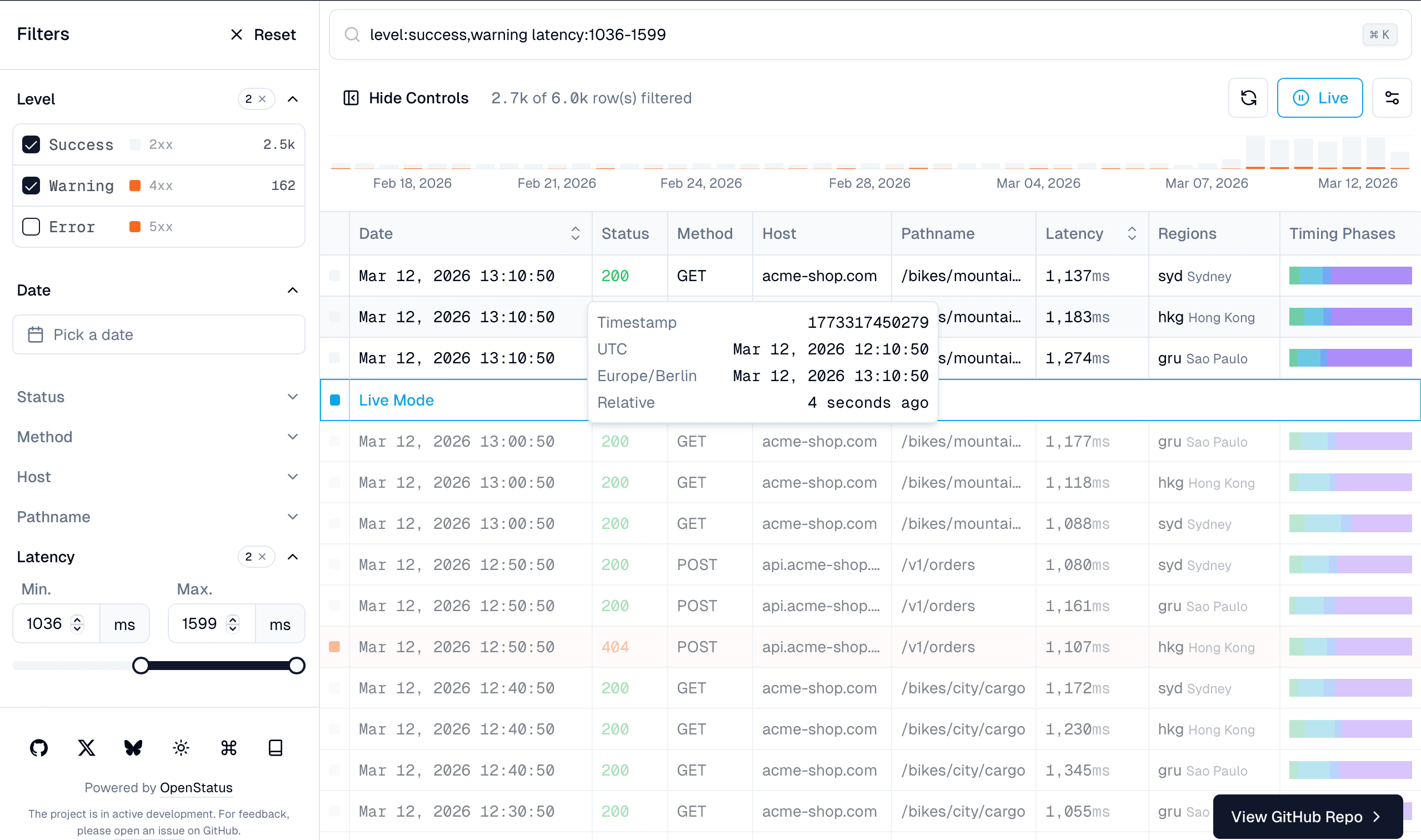
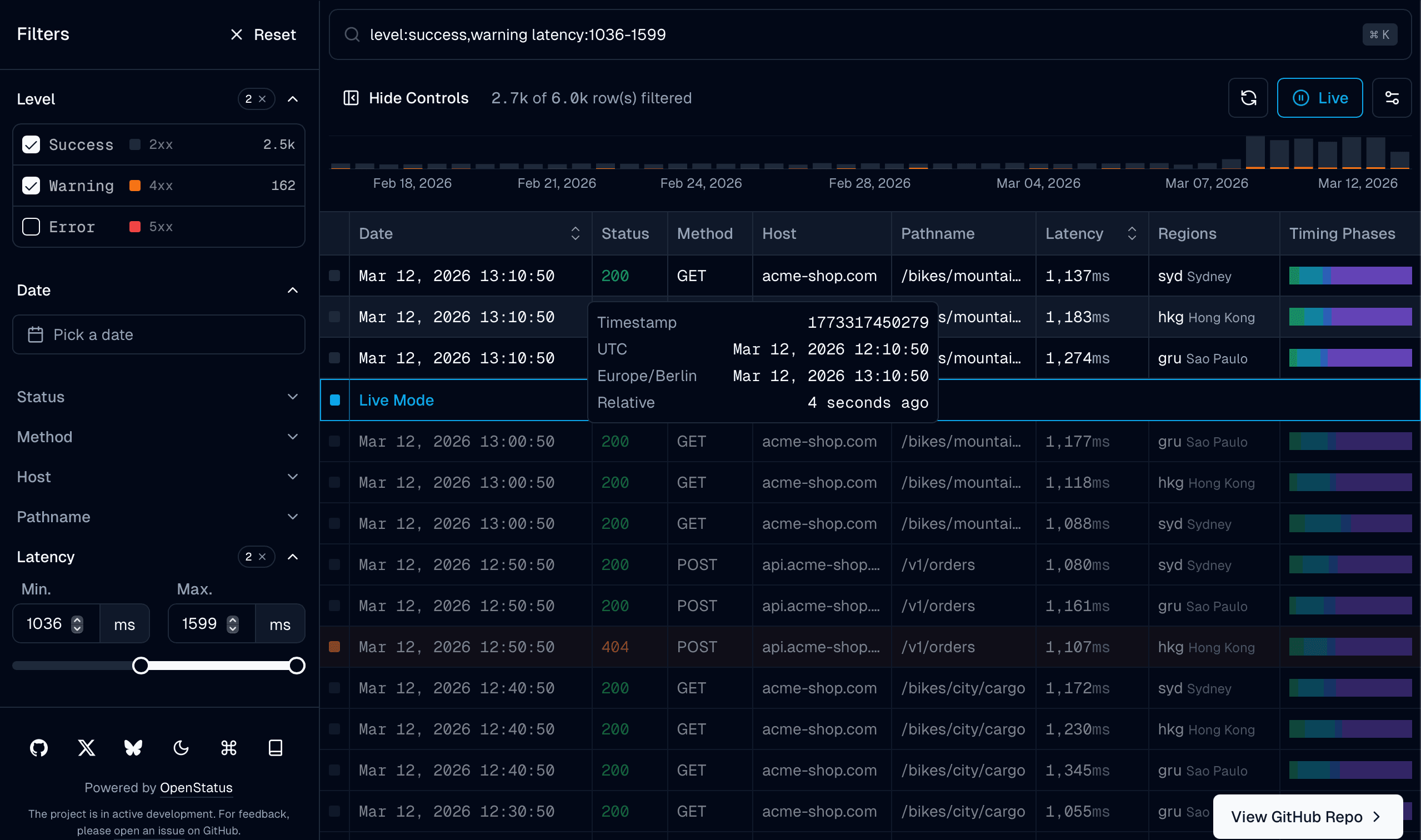
This guide covers the system end to end — from defining a table schema to rendering filters, columns, and row details. Get started with the Quick Start or jump to a Full Example.
Examples
- Drizzle — server-side filtering with Drizzle ORM
- Default — client-side pagination without infinite scroll
- Infinite — infinite scroll with cursor pagination (mock)
- Light — lightweight frontend for light.openstatus.dev
- Builder — interactive schema builder
Quick Overview
import { col, createTableSchema } from "@/lib/table-schema";
import { generateColumns, generateFilterFields } from "@/lib/table-schema";
import { createSchema, field } from "@/lib/store/schema";

// 1. Define your table
const tableSchema = createTableSchema({
  level: col.presets.logLevel(["error", "warn", "info", "debug"]),
  latency: col.presets.duration("ms").label("Latency").sortable(),
  host: col.string().label("Host"),
});

// 2. Generate everything the components need
const columns = generateColumns(tableSchema.definition);
const filterFields = generateFilterFields(tableSchema.definition);

// 3. Wire up state + components
<DataTableStoreProvider adapter={adapter}>
  <DataTableInfinite columns={columns} filterFields={filterFields} ... />
</DataTableStoreProvider>
Architecture
The data-table is built on three layers:
- Table Schema — a declarative builder that defines columns, filters, display, sorting, and row details in one place
- State Management — a pluggable adapter system for filter state (URL, Zustand, or custom)
- Components — pre-built filter controls, command palette, infinite scroll table, and row detail drawer
For server-side data, the Drizzle ORM helpers handle WHERE conditions, sorting, cursor pagination, and faceted counts. The Data Fetching layer covers the API response shape and React Query integration.
Table Schema → Generators → Components
     ↓              ↓            ↓
  col.*        columns[]    DataTableInfinite
  presets      filterFields  DataTableFilterControls
  .sheet()     sheetFields   DataTableSheetDetails
filterSchema DataTableFilterCommandPowered by OpenStatus